
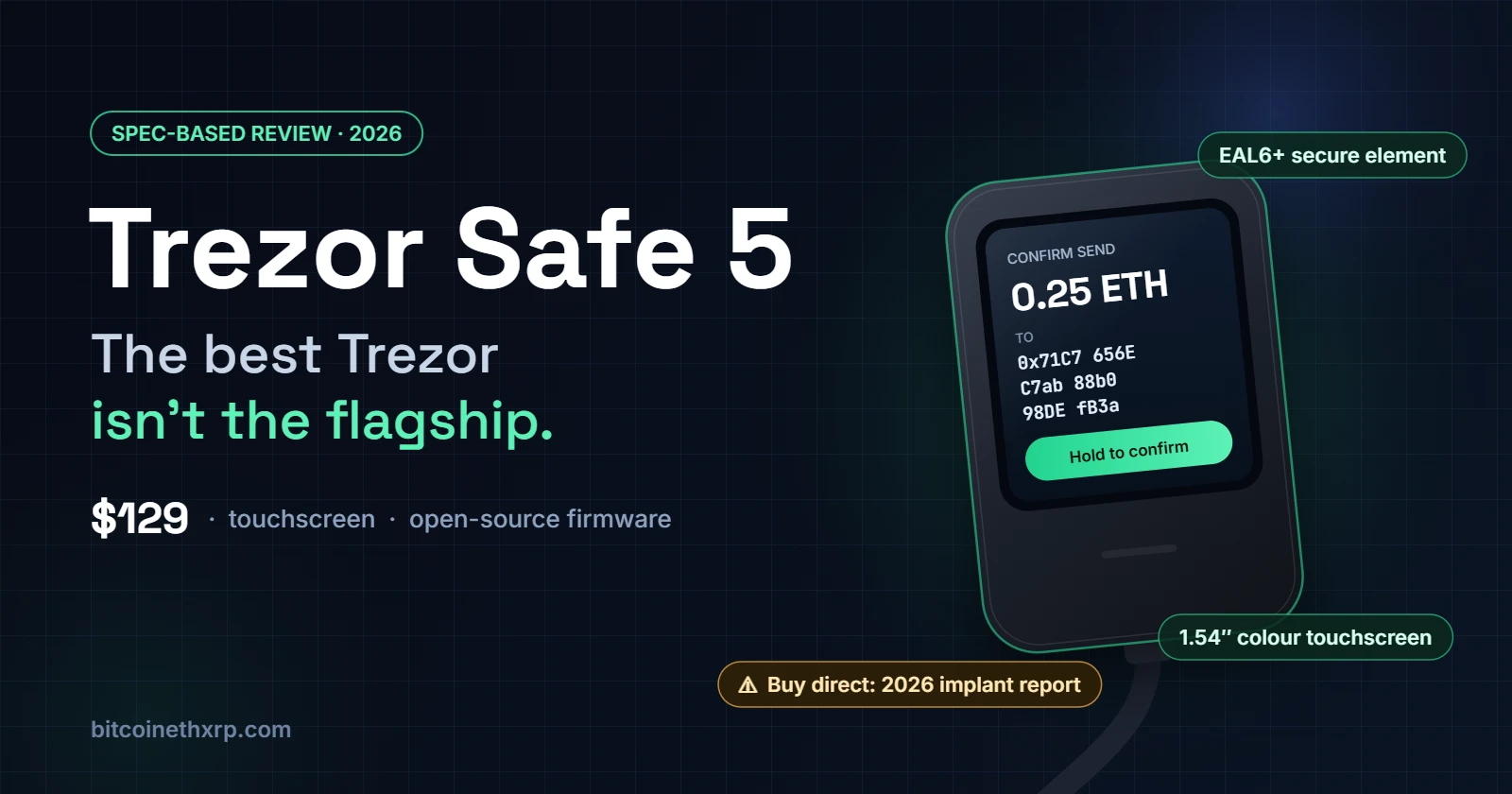
TL;DR — At $129, the Trezor Safe 5 is the Trezor most people should actually buy: a 1.54-inch colour touchscreen you can read before you sign, an EAL6+ certified secure element, the newer STM32U5 microcontroller that sidestepped the 2025 glitching research, and fully open-source firmware. It has no Bluetooth, no battery and no way to sign from an iPhone. Its weakest link in 2026 is not the silicon. It is the journey from factory to front door: a leaked shipping list in August, and on 30 October a reported spy implant inside a Safe 5 bought from a former authorised reseller. Buy it direct, and read every screen.
Disclosure: this review contains affiliate links. If you buy through them, bitcoinethxrp.com may earn a commission at no extra cost to you. Affiliate links never change a verdict or a ranking.
How this review was written. This is a specification-based review, not a hands-on test. It draws on Trezor’s published specifications, firmware documentation and security disclosures, independent security research and contemporaneous reporting, all checked on 30 October 2026. bitcoinethxrp.com has not physically tested the Safe 5, which is why this page carries no score.
Part of our Crypto Wallets and Security guide. How we research and review.
Key Takeaways
- The sensible default: at $129 the Safe 5 sits $70 above the Safe 3 and $120 below the Safe 7, and it is the cheapest Trezor with a screen large enough to verify a full address comfortably.
- Security architecture: an Infineon OPTIGA Trust M (V3) secure element certified to CC EAL6+, paired with an STM32U5 microcontroller. Trezor says the Safe 5 was not affected by the 2025 voltage-glitching research that hit the Safe 3.
- Backups done properly: 20-word SLIP-39 backups by default, optional Multi-share Backup, a passphrase for hidden wallets and a MicroSD slot as a second unlock factor.
- The real limitations: USB-C only, no iPhone signing, and a 1.54-inch screen that looks small next to the Safe 7 or a Ledger Flex.
- The 2026 caveat: a credible report of a cellular implant inside a Safe 5 sold by former reseller CryptoBilis. If you bought from CryptoBilis since March 2026, Trezor’s advice is to move your funds now.
- Bottom line: buy it directly from Trezor if you sign DeFi transactions regularly from a desktop or Android phone. Buy the Safe 3 if the wallet will sit in a drawer.
$11,000 in Thirty Seconds: What a Hardware Wallet Actually Fixes
A friend of mine lost $11,000 to a single email. It looked like a Uniswap governance notice, the kind of message DeFi users receive constantly. He clicked through, connected his wallet, approved what the page asked him to approve and watched the balance drain in roughly thirty seconds. He was not careless. He was outmanoeuvred by an attacker who was patient and very good at counterfeiting interfaces.
Nothing was hacked. He was asked, and he said yes
Here is the uncomfortable part, and the reason this story opens a hardware wallet review: a hardware wallet would not automatically have saved him. Wallet drainers rarely steal keys. They solicit signatures, whether a token approval, a permit or a transfer dressed up as a vote, and a hardware wallet will faithfully sign whatever its owner confirms. The device is a notary, not a bodyguard.
Where the screen changes the outcome
What a hardware wallet does change is where the decision happens. On a laptop, the attacker controls everything you see. On the device, the attacker controls nothing. The request is displayed on hardware the browser cannot touch, and nothing moves until a finger confirms it there. When the device cannot decode what a contract call will do, that refusal is itself the warning to stop.
That protection only works if the screen is legible enough that people genuinely read it. On a cramped monochrome display, users skim and tap. On a colour touchscreen with room for a full address and an amount, they have a fighting chance. That, more than any chip certification, is what the Safe 5 is selling.
Trezor Safe 5 at a Glance
| Specification | Trezor Safe 5 |
|---|---|
| Price | $129 on Trezor’s store (October 2026); launched at $169 in 2024 |
| Display | 1.54-inch colour capacitive touchscreen, 240 × 240 pixels, Gorilla Glass 3 |
| Input | Touch, with Trezor Touch haptic feedback |
| Secure element | Infineon OPTIGA Trust M (V3), CC EAL6+, NDA-free |
| Microcontroller | STM32U5 (Arm Cortex-M33) |
| Connectivity | USB-C only; no Bluetooth, no NFC, no battery |
| Backup | 20-word SLIP-39 single-share by default, Multi-share Backup, passphrase |
| Extra unlock factor | MicroSD card slot |
| PIN protection | Secure element erases its secret after 16 wrong PIN attempts |
| Firmware | Open source (GPLv3), with reproducible-build instructions |
| Mobile | Android over USB-C; iPhone is watch-only |
| Size and weight | 65.9 × 40 × 8 mm, 23 g |
| Editions | Universal in Black Graphite, Green Beryl and Violet Ore; Bitcoin-only in Bitcoin Orange, same price |
What the Safe 5 Gets Right
A screen built for the moment that matters
The 1.54-inch panel is not large, but it is the difference between verifying and guessing. Compared with the Safe 3’s 0.96-inch monochrome display, it fits a full receiving address in readable chunks, shows amounts and fees without scrolling gymnastics, and turns recovery-word entry into tapping on glass instead of cycling letters with two buttons. Every advantage in the rest of this review depends on the owner actually reading what this screen says.
Haptic confirmation and the end of fat-finger PINs
Trezor’s haptic engine answers each tap with a short pulse. It sounds cosmetic until you enter a PIN on a 23-gram device lying on a desk: the feedback tells your finger the press registered, so you stop double-tapping digits and locking yourself into retry loops. Small ergonomics, real consequence.
One secure element, doing a narrow job well
The OPTIGA Trust M (V3) holds a secret that unlocks the encrypted keys and enforces the PIN. Guess wrong 16 times and it erases that secret, which turns a stolen Safe 5 into a paperweight rather than a puzzle. Because Trezor sourced the chip without a non-disclosure agreement, it can publish vulnerabilities in it, which keeps the open-source promise intact at the hardware boundary.
The honest caveat: transaction signing still happens on the microcontroller, not inside the secure element. That design choice is what Ledger’s researchers targeted in 2025, and it is why the next point matters.
The microcontroller upgrade nobody advertises
In March 2025, Ledger’s Donjon team showed that the Safe 3 units it tested, built on an older STM32F429 chip, could be voltage-glitched to bypass the firmware integrity check. The Safe 5 uses the newer STM32U5, and Trezor said it was not affected. No public fault-injection attack on that chip exists at the time of writing, which is encouraging but is not the same as immunity.
Open source you can rebuild yourself
The Safe 5’s firmware is published under GPLv3, and Trezor documents how to reproduce the build, so a researcher can confirm the binary on the device matches the code on GitHub. The secure element’s own software stays closed, as it does on every certified chip. That is still far more verifiability than closed-firmware rivals offer.
Backups: 20 Words, Multi-share and the Passphrase
Why 20 words instead of 24
The Safe 5 creates SLIP-39 backups by default. The last three words are a checksum, which catches transcription mistakes far more reliably than the single checksum word in a standard 24-word BIP39 phrase, and every word has a unique four-letter prefix, which removes the “car versus care” ambiguity that ruins handwritten backups. Rabby, Electrum, Sparrow and several other wallets can restore SLIP-39, so you are not locked in.
Multi-share Backup for estates and households
Multi-share Backup splits the wallet into up to 16 shares with a threshold you choose, such as any three of five. Losing a share is survivable, and a thief who finds one learns nothing. It is the most practical inheritance tool in consumer crypto. One trap: if you upgrade an existing single-share wallet, the old 20-word backup still works. Check the new shares, then destroy the old sheet deliberately.
The passphrase: a second wallet hiding behind the first
A passphrase derives an entirely separate wallet from the same backup. Someone who coerces your PIN finds whatever balance you left in the standard wallet, and nothing more. The price of that deniability is absolute: forget the passphrase and the funds behind it are gone, so store it separately from the recovery words.
The MicroSD slot: a second unlock factor almost nobody sets up
Insert a MicroSD card and the Safe 5 can require it, as well as the PIN, to unlock. It is a genuine second factor, but enabling it currently means Trezor’s command-line tool rather than a menu in Trezor Suite, which is why most owners never touch it. Worth doing for a vault device; overkill for a wallet you sign with weekly.
What the Safe 5 Gets Wrong
No iPhone signing
Without Bluetooth, the Safe 5 cannot sign from an iPhone at all; the iOS app is watch-only. Android users can sign over a USB-C cable. If your crypto life runs through an iPhone, the Safe 7 is the Trezor built for you.
USB-C or nothing
Every transaction means a cable. For cold storage that is a feature, since there is no radio to attack. For someone signing DeFi transactions several times a week, it is friction, and friction is how people drift back to hot wallets.
A small screen by 2026 standards
At 1.54 inches, the display is a leap over the Safe 3 and a step behind everything newer. The Safe 7 offers 2.5 inches and Ledger’s Flex 2.84 inches. Long contract interactions involve more scrolling here than on either.
Staking through Trezor Suite costs commission
Native staking in Trezor Suite runs through Everstake, and Trezor lists a commission of 10% of ETH staking rewards and 7% of SOL rewards. That comes off the rewards, not your principal, but it is a recurring cost that the hardware price does not mention.
The Security Record, Read Without the Marketing
March 2025: the Donjon glitching research
Ledger’s research team demonstrated a firmware-integrity bypass on the Safe 3 using voltage glitching, an attack that needs physical possession and laboratory equipment. Trezor shipped a fix and said the Safe 5’s newer microcontroller was not affected. Competitor research deserves scepticism about motive, but this disclosure was handled well on both sides.
August 2026: the ShipMonk address leak
A breach at ShipMonk, Trezor’s fulfilment partner, exposed buyers’ names, phone numbers, email addresses and shipping addresses, first for about 13,700 customers and later about 81,000. No device or key was touched. The risk it creates is targeting: a list of people who recently bought a hardware wallet, with their home addresses. Our guide Is Trezor Safe? covers the full incident record.
October 2026: the CryptoBilis implant report
On 28 October, a customer in Indonesia reported, through Trezor’s responsible-disclosure programme, an extra circuit board inside a Safe 5 he had bought in August from CryptoBilis via the Tokopedia marketplace. CryptoBilis was an official Trezor reseller in Southeast Asia until 9 October, when Trezor dropped it after Ledger began investigating tampered Ledger devices sold through the same company.
The reported board sits between the main board and the screen and carries a cellular module and antenna. It allegedly reads the wallet backup as it is displayed during setup and transmits it over a mobile network. Trezor has not yet examined the device, but after reviewing photos and interviewing the customer it is treating the report as credible. It had earlier inspected four CryptoBilis-sourced devices, including two Safe 5 units, and found no tampering.
Notice where the implant reportedly lives. The feature this review praises most, the screen, is exactly what it targets. No chip certification protects a recovery phrase displayed on glass that someone else is reading.
If you bought any Trezor from CryptoBilis since March 2026, Trezor’s guidance is to move your funds to a new wallet with a new backup and contact Trezor Support for a replacement device. Restoring your existing backup onto another device does not fix the exposure, because the backup itself may be compromised. Do not open or weigh the device to check it yourself.
Where You Buy It Is the Real Security Decision
Buy direct, or from a reseller Trezor currently lists
The lesson of 2026 is that provenance now matters more than specifications. An authorised badge was not enough: CryptoBilis had one. The safest chain of custody is the shortest one, from Trezor’s own store to you. Marketplace listings, second-hand units and “sealed” bargains add links you cannot audit.
Shortening the chain does not remove every risk; the August ShipMonk breach happened inside Trezor’s own fulfilment. Trezor has said it is rolling out an Anonymous Delivery option, with parcel lockers, neutral packaging and deletion of shipping identifiers, and pickup points are already offered at checkout in some European countries. If address privacy matters to you, check what your country’s checkout offers before entering a home address.
What to check when the box arrives
Trezor Suite runs an authenticity check against the secure element during setup. Do it every time, but understand its limits: it proves the secure element is genuine, not that nothing else was added inside the case. Two red flags override everything else. A device that arrives already set up, or a recovery card that arrives already filled in, is compromised. Send it back and move nothing onto it.
Trezor Safe 5 vs Safe 3: Is the Screen Worth $70?
The Safe 3 costs $59 and shares the important foundations: the same OPTIGA secure element, open-source firmware, Multi-share Backup and passphrase support. The extra $70 buys the colour touchscreen, haptics, Gorilla Glass, the MicroSD slot and, compared with the Safe 3 units Donjon examined, a newer microcontroller.
The deciding question is how often you sign. A wallet that leaves a drawer twice a year does not need a touchscreen; buy the Safe 3. A wallet that approves DeFi transactions every month should make verification as painless as possible; buy the Safe 5. We compare the two line by line in Trezor Safe 3 vs Safe 5.
Trezor Safe 5 vs Safe 7: When the Flagship Earns Its Price
The Safe 7 costs $249, $120 more. It adds Bluetooth and iPhone signing, a 2.5-inch screen, a second, independently auditable secure element (TROPIC01), post-quantum cryptography and Qi2 wireless charging, along with a battery that will eventually age. If you sign from an iPhone or hold enough that a second auditable chip changes your threat model, it earns its price. Otherwise the Safe 5 delivers most of the security for about half the money. See our Trezor Safe 7 guide and the head-to-head Trezor Safe 5 vs Safe 7.
Trezor Safe 5 vs Ledger Flex
The Ledger Flex, at about $249, is the natural rival. Its 2.84-inch E Ink touchscreen is driven directly by its EAL6+ secure element, and it adds Bluetooth, NFC and a battery. Owners coming from Ledger’s button-driven Nano line find the larger panel dramatically easier to read and type on; this site’s editor, who owns a Flex and an original Nano S, is one of them.
What the Flex cannot offer is Trezor’s verifiability: its operating system is closed, and Ledger Recover remains a philosophical sticking point for many self-custody purists. Neither brand escaped CryptoBilis cleanly: Ledger confirmed tampered devices sold through it, and Trezor is now investigating a reported one. Choose the Safe 5 for auditable firmware at roughly half the price; choose the Flex for wireless signing and the bigger screen. The broader comparison is in Trezor vs Ledger.
Who Should Buy the Trezor Safe 5
- DeFi users who sign from a desktop or an Android phone at least monthly and want verification to be easy enough that they actually do it.
- Anyone moving a meaningful balance off an exchange for the first time who values open-source firmware.
- Households planning inheritance, for whom Multi-share Backup solves a real problem.
- Bitcoin-only holders who want a smaller attack surface; the Bitcoin-only edition costs the same.
Who Should Skip It
- iPhone-first users: buy the Safe 7 or a Bluetooth Ledger.
- Pure long-term holders who will sign once or twice a year: the Safe 3 does the job for $70 less.
- Anyone who can only buy through a marketplace or an unlisted reseller: fix the supply chain before choosing the model.
Setting Up a Safe 5 Without Undermining It
- Buy from Trezor’s own store or a reseller Trezor currently lists on its website.
- Download Trezor Suite only from trezor.io, and complete the authenticity check during setup.
- Set the PIN on the device. Never type it into a computer.
- Write the 20 recovery words on paper or metal. Never photograph, type or cloud-sync them.
- Run the backup check in Trezor Suite before depositing anything.
- Consider Multi-share Backup if anyone else may ever need access, and a passphrase if the balance is significant.
- Verify your first receiving address on the device screen, then send a small test amount before the real one.
- Connect it to MetaMask or Rabby for DeFi; our MetaMask guide covers the hardware-wallet setup.
Price and Where to Buy
Trezor’s store listed the Safe 5 at $129 in October 2026, down from its $169 launch price, with the Safe 3 at $59 and the Safe 7 at $249. The Bitcoin-only edition costs the same as the universal model. Prices vary by country and promotion, so treat the checkout as the final word.
Get the Safe 5: buy it directly from Trezor’s official store, the shortest chain of custody available.
Trezor Safe 5 FAQ
Is the Trezor Safe 5 worth it in 2026?
For most people who sign transactions regularly, yes. At $129 it is the cheapest Trezor with a colour touchscreen, it shares the Safe 3’s EAL6+ secure element and open-source firmware, and Trezor says its newer microcontroller was not affected by the 2025 glitching research. If you will rarely sign, the $59 Safe 3 is better value.
Is the Trezor Safe 5 safe after the CryptoBilis implant report?
The report concerns a single device bought from CryptoBilis, a former reseller, not a flaw in the Safe 5’s design. Trezor treats it as credible and advises anyone who bought a Trezor from CryptoBilis since March 2026 to move funds to a new wallet with a new backup. A Safe 5 bought directly from Trezor is not covered by the warning.
Does the Trezor Safe 5 work with an iPhone?
Only as a watch-only wallet. The Safe 5 has no Bluetooth, so it cannot sign transactions from an iPhone. Android phones can sign over a USB-C cable. For iPhone signing, Trezor’s option is the Safe 7.
What is the difference between the Trezor Safe 5 and Safe 3?
Both use the same EAL6+ secure element, open-source firmware, Multi-share Backup and passphrase support. The Safe 5 adds a 1.54-inch colour touchscreen, haptic feedback, Gorilla Glass and a MicroSD slot, for $70 more.
Was the Trezor Safe 5 affected by the 2025 Ledger Donjon vulnerability?
Trezor says no. Ledger’s researchers demonstrated a voltage-glitching attack on the Safe 3 units they tested, which used an older STM32F429 chip. The Safe 5 uses the STM32U5, which has no publicly known fault-injection attack.
Does the Trezor Safe 5 work with MetaMask?
Yes. The Safe 5 connects to MetaMask and Rabby over USB, so you can use DeFi protocols while every transaction is confirmed on the device screen.
How much does the Trezor Safe 5 cost?
Trezor’s store listed it at $129 in October 2026, down from $169 at launch. The Bitcoin-only edition costs the same. Prices vary by country and promotion.
Bottom Line
The Safe 5 is the Trezor that gets the balance right: enough screen to make verification a habit, enough silicon to make a stolen device worthless, and enough openness to check the claims yourself. Its limits are honest ones, a cable and no iPhone signing. Its real risk in 2026 sits outside the case, in the warehouses, marketplaces and mailing lists between the factory and your desk. Buy it direct, set it up carefully, and read every request on its screen before you approve it. That habit would have saved my friend $11,000.

Bernard Mudafort is the founder and lead writer of bitcoinethxrp.com. He has been active in DeFi since 2018 and has personally tested yield farming strategies on Aave, Curve, Uniswap, and Arbitrum, focusing on sustainable, risk-managed approaches to crypto passive income.